18+
Cosmic Moon
 Vealo द्वारा
5
10
2
Vealo द्वारा
5
10
2
यह सेटअप Vealo या Steam में नहीं दिख रहा? जब तक सेटिंग्स में वयस्क कंटेंट की अनुमति न हो, Steam 18+ छिपाता है। Steam सेटिंग्स खोलें
अंदर क्या है
पूरा डेस्कटॉपलाइव वॉलपेपर4Kएकरंगीघड़ीलाइटिंग
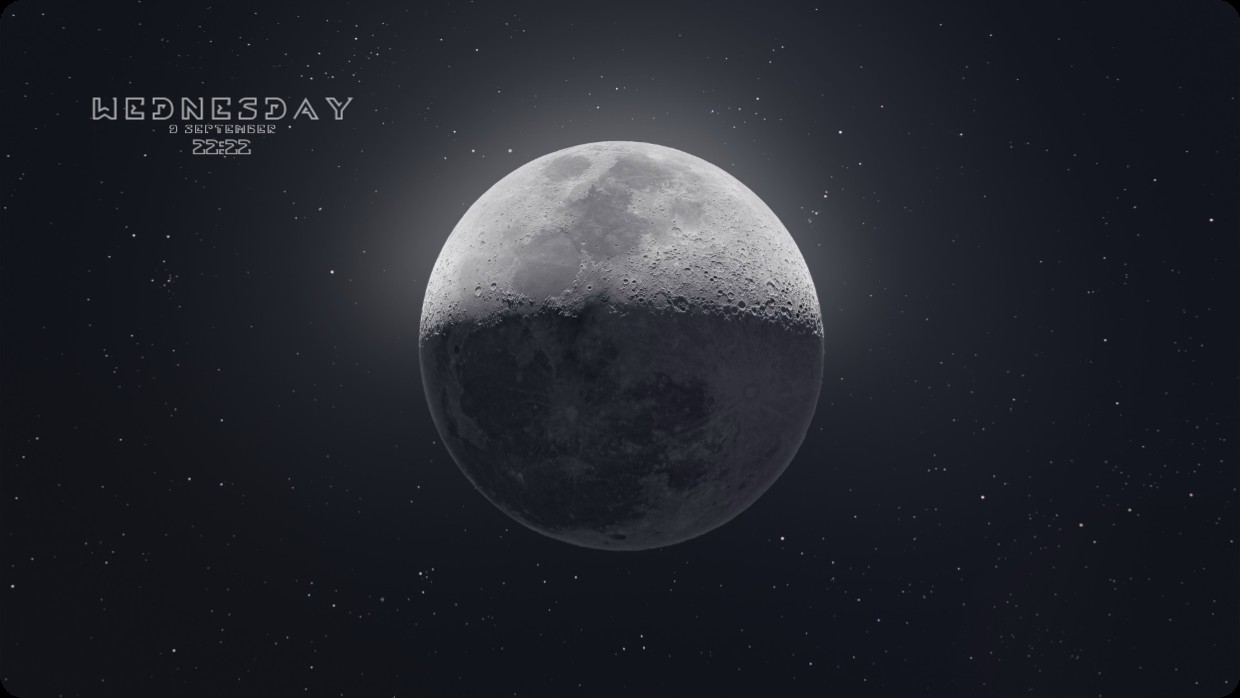
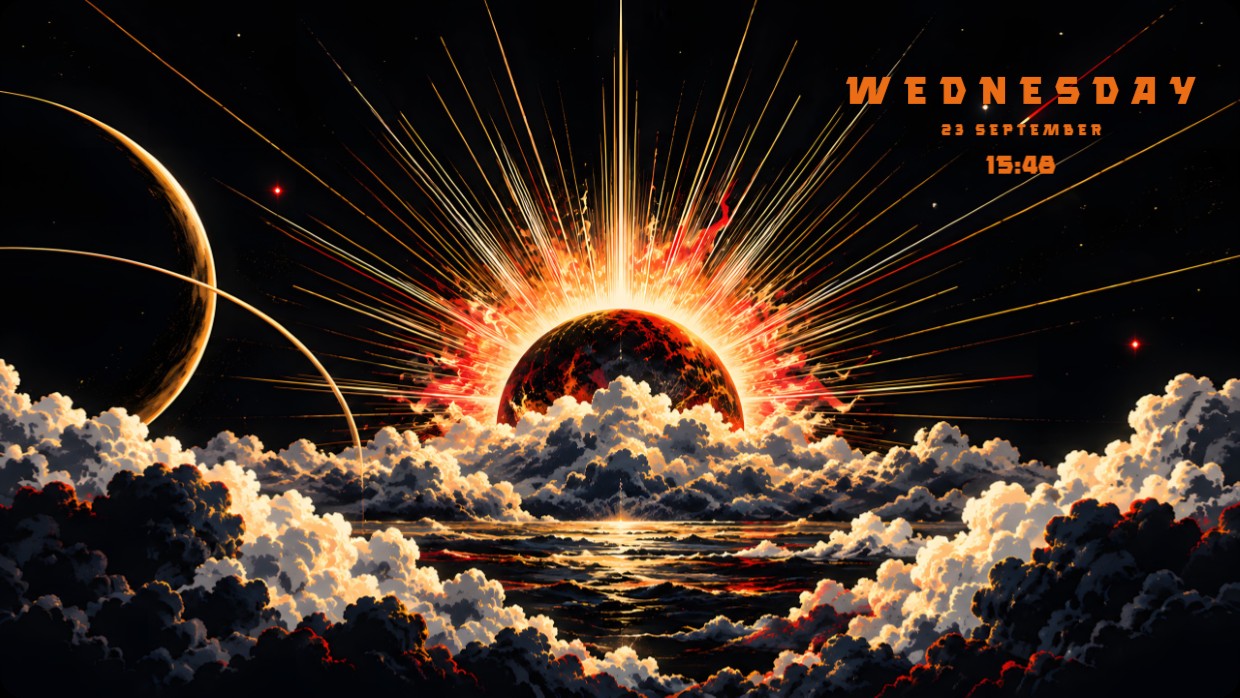
The wallpaper shows the moon against a starry night sky. The scene is dark, with cool tones of black, grey, and subtle white highlights. It feels calm and contemplative. A clock widget displays day date and time in the top left corner using a thin light font that blends softly into the background. This full desktop setup includes live wallpaper at 4K resolution and lighting effects. People who enjoy minimalist cosmic themes will like it.
यह सेटअप कैसे इंस्टॉल करें
- Steam से Vealo इंस्टॉल करें। मुफ़्त वर्ज़न काफ़ी है।
- इस पेज पर «Steam में सब्सक्राइब करें» दबाएँ, या Vealo के अंदर «Workshop» टैब में यह सेटअप ढूँढें।
- Vealo खोलें, Studio में जाएँ, «Workshop» टैब, «मेरे सेटअप», और «लागू करें» दबाएँ। वॉलपेपर, थीम, विजेट, कर्सर और लाइटिंग एक क्लिक में बदल जाते हैं। आइकन का साइज़ आपका ही रहता है।
मिलते-जुलते सेटअप
सभी सेटअप

एक क्लिक में साफ़ डेस्कटॉप
कुछ भी खरीदने से पहले अपने कंप्यूटर पर आज़माएँ।
Windows 10 / 11