18+
Cosmic Portal
 作者: Vealo
1
8
0
作者: Vealo
1
8
0
Vealo や Steam でこのセットアップが見つかりませんか?設定で成人向けコンテンツを許可するまで、Steam は 18+ を非表示にします。 Steam の設定を開く
内容
デスクトップ全体動く壁紙4K赤時計ライティング
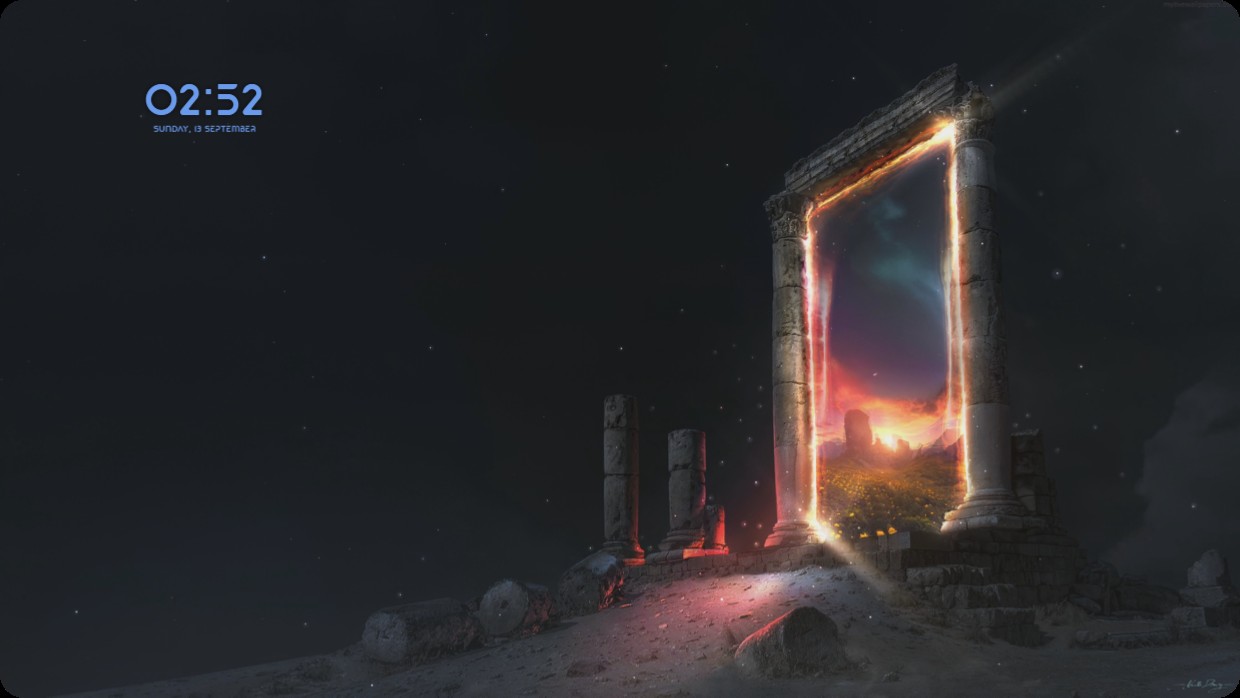
A live wallpaper shows ancient stone ruins under a starry night sky. A glowing portal in the ruins reveals a warm sunset beyond. The scene is dark with deep blues, blacks, and fiery oranges. A clock and date widget appear in the top left corner, using light blue text on a semi-transparent background. The lighting casts soft glows on the stones. This full desktop setup is 4K and includes lighting. People who enjoy mystical scenes will like it.
このセットアップの入れ方
- Steam から Vealo をインストールします。無料版で十分です。
- このページで「Steam でサブスクライブ」を押すか、Vealo 内の「ワークショップ」タブでこのセットアップを見つけます。
- Vealo を開き、スタジオ、「ワークショップ」タブ、「マイセットアップ」と進んで「適用」を押します。壁紙、テーマ、ウィジェット、カーソル、ライティングがワンクリックで切り替わります。アイコンのサイズは自分の設定のままです。