18+
Angel Legion Combo
 作者: Vealo
31
12
1
作者: Vealo
31
12
1
Vealo や Steam でこのセットアップが見つかりませんか?設定で成人向けコンテンツを許可するまで、Steam は 18+ を非表示にします。 Steam の設定を開く
内容
デスクトップ全体動く壁紙4K赤時計ライティング
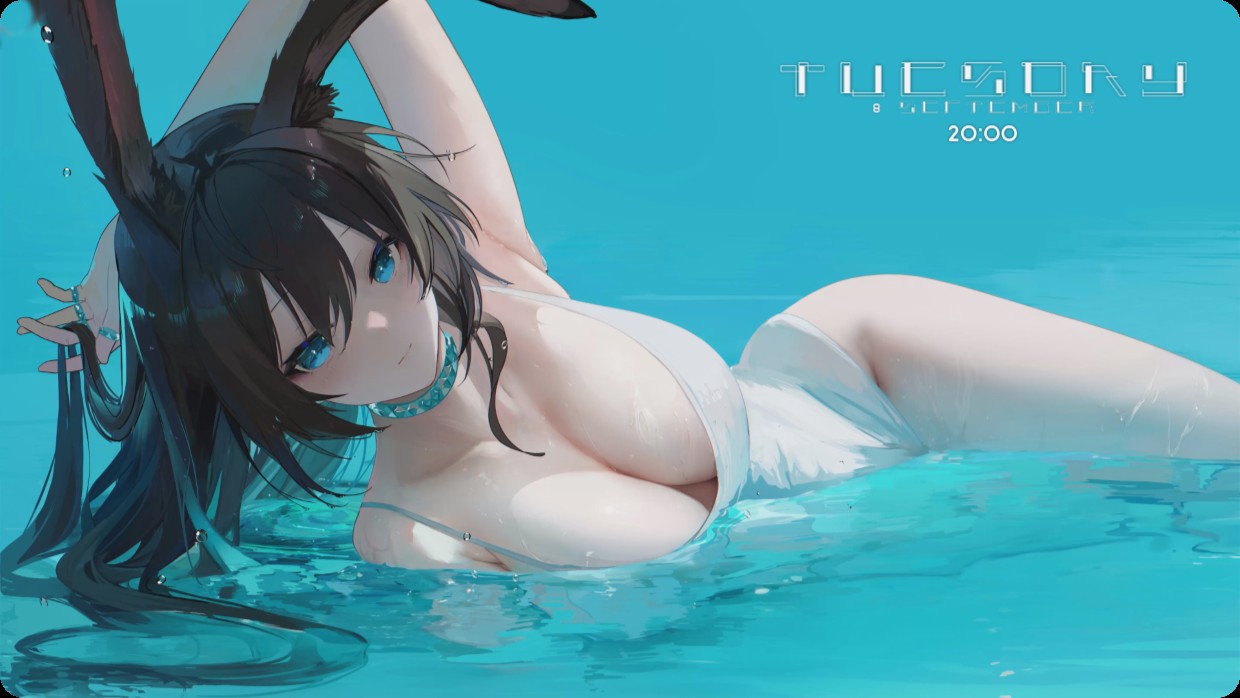
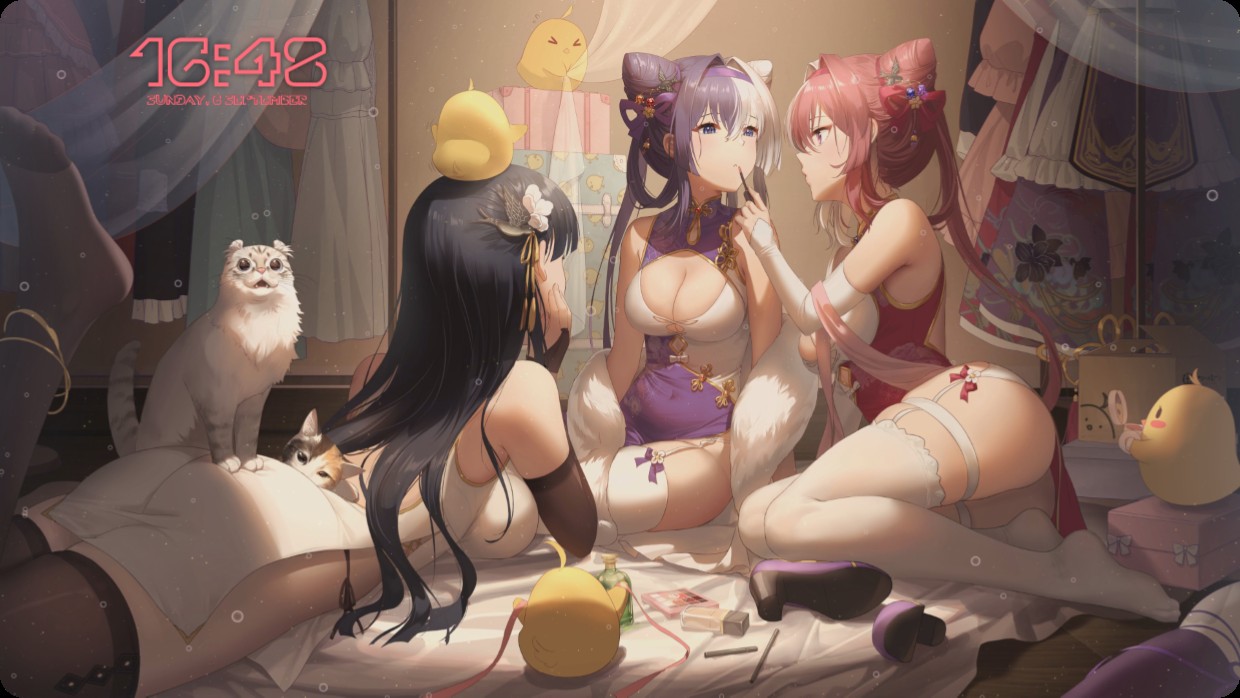
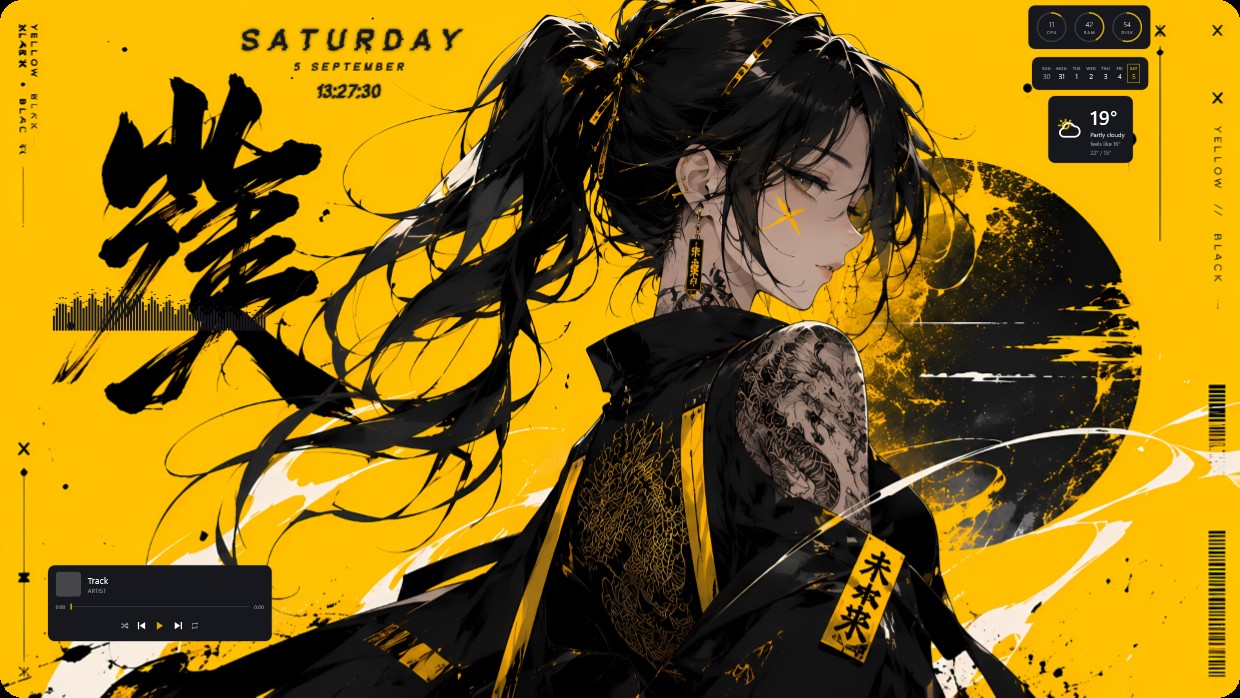
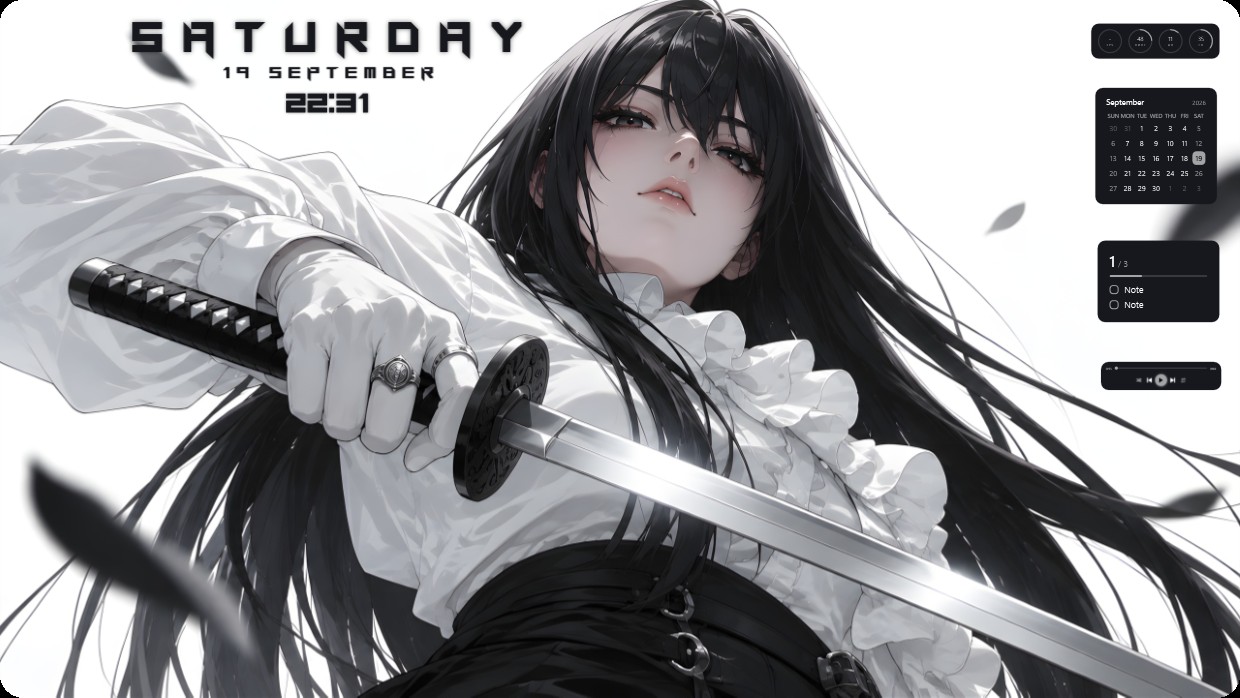
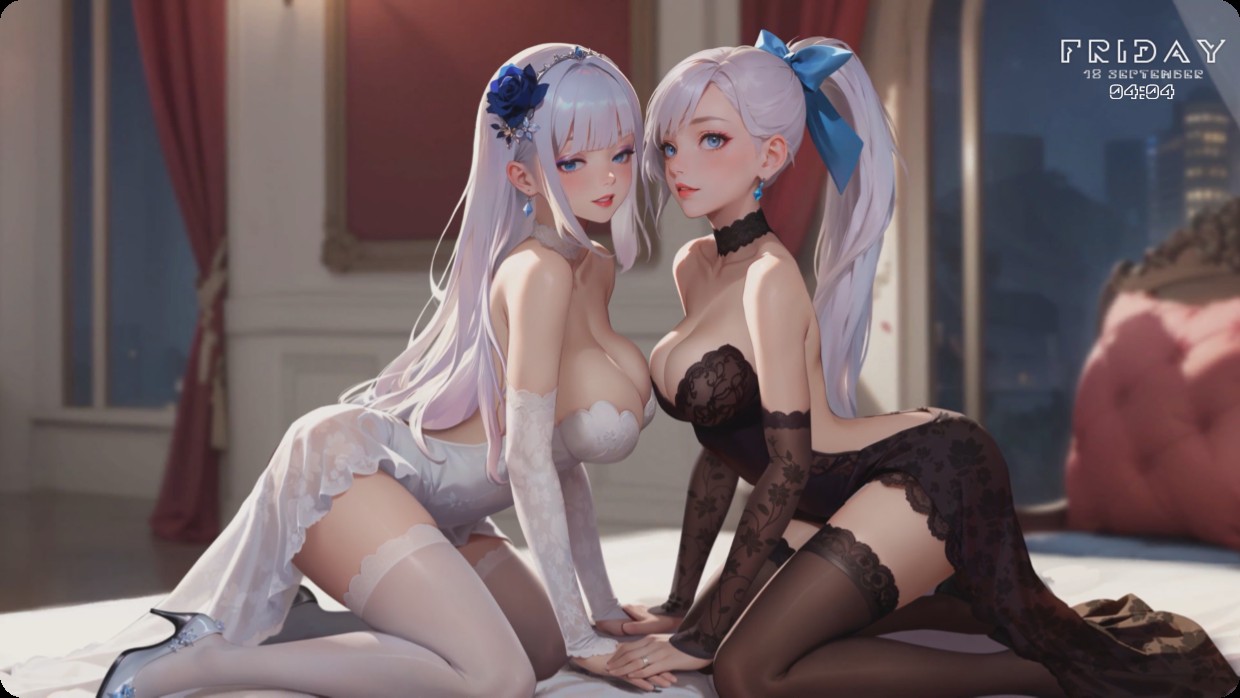
The wallpaper shows two anime-style women in lingerie sitting on a bed. One wears white lace, the other black lace. The room has red curtains and city lights outside. Main colors are soft pink, deep red, and pale blue. The lighting is warm and bright. A clock widget displays Friday 18 September 04:04 in thin white text at top right. This full desktop setup uses a live wallpaper in 4K resolution with integrated lighting. Fans of anime aesthetics will like it.
このセットアップの入れ方
- Steam から Vealo をインストールします。無料版で十分です。
- このページで「Steam でサブスクライブ」を押すか、Vealo 内の「ワークショップ」タブでこのセットアップを見つけます。
- Vealo を開き、スタジオ、「ワークショップ」タブ、「マイセットアップ」と進んで「適用」を押します。壁紙、テーマ、ウィジェット、カーソル、ライティングがワンクリックで切り替わります。アイコンのサイズは自分の設定のままです。