18+
Dark Street
 作者:Vealo
1
7
0
作者:Vealo
1
7
0
在 Vealo 或 Steam 中找不到这个方案?在设置中允许成人内容之前,Steam 会隐藏 18+ 内容。 打开 Steam 设置
包含内容
小组件布局2K单色时钟特效灯效
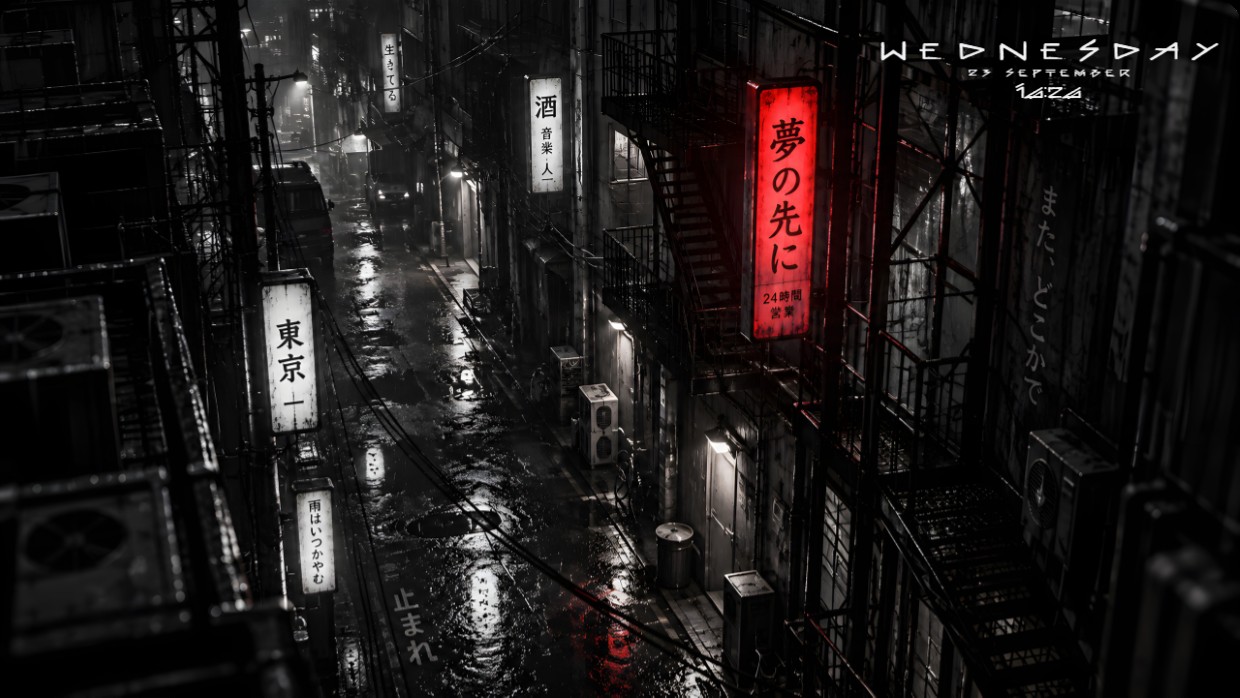
This setup features a rainy Tokyo alleyway at night with glowing red and white signs. The scene is dark and moody, dominated by black, grey, and the vivid red of one sign. Widgets are minimal and thin, placed in the top right corner. They show the date and time in small white text that blends into the background. The layout is clean and uncluttered. This setup will appeal to fans of atmospheric urban scenes.
如何安装这个方案
- 从 Steam 安装 Vealo,免费版即可。
- 在本页点击“在 Steam 订阅”,或在 Vealo 内的“创意工坊”标签页中找到该方案。
- 打开 Vealo,进入工作室,“创意工坊”标签页,“我的方案”,点击“应用”。壁纸、主题、小组件、光标和灯光一键切换。图标大小保持你自己的设置。



 _Yuvelir_