18+
Vealo Neon Monitor
 作者:Vealo
在 Vealo 或 Steam 中找不到这个方案?在设置中允许成人内容之前,Steam 会隐藏 18+ 内容。 打开 Steam 设置
包含内容
小组件布局2K蓝色时钟特效灯效
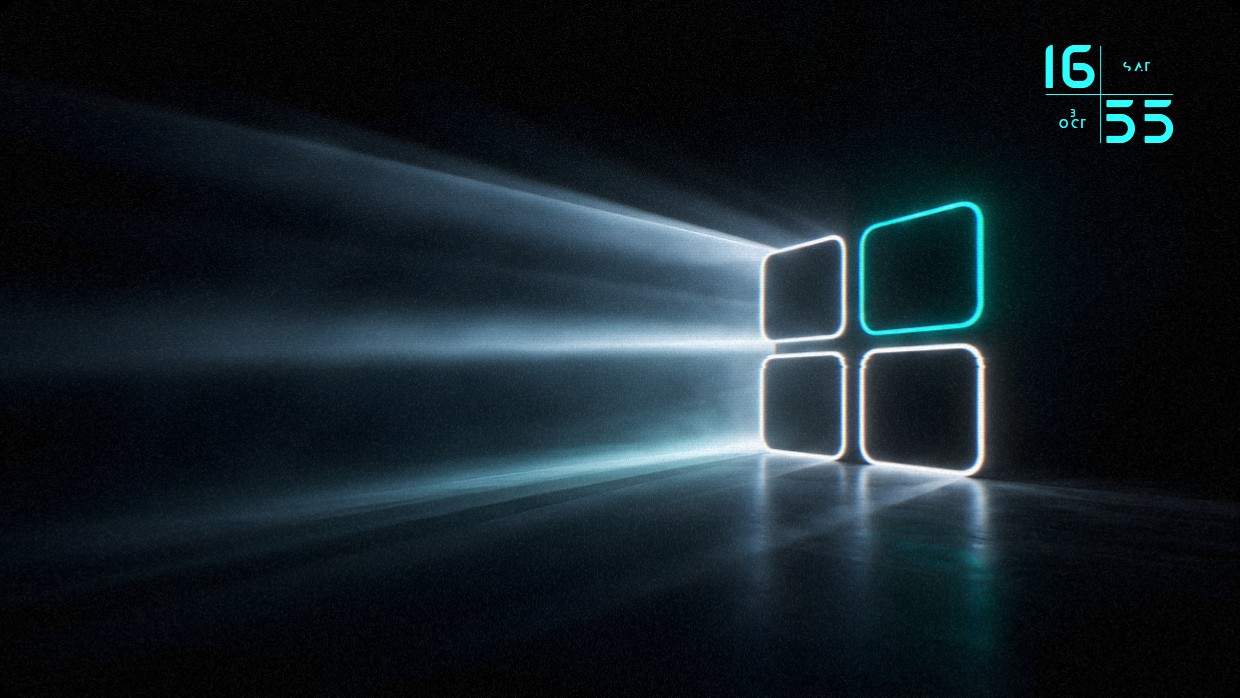
The wallpaper shows the Windows logo in glowing neon lines against a dark background. The scene is illuminated by bright beams of light casting reflections on a glossy floor. The main colors are black, cyan, and white. The mood is futuristic and minimalistic. A clock widget sits top right with large cyan digits and Cyrillic text. It blends subtly with the image. This setup uses 2K resolution and includes effects lighting inside Vealo.
如何安装这个方案
- 从 Steam 安装 Vealo,免费版即可。
- 在本页点击“在 Steam 订阅”,或在 Vealo 内的“创意工坊”标签页中找到该方案。
- 打开 Vealo,进入工作室,“创意工坊”标签页,“我的方案”,点击“应用”。壁纸、主题、小组件、光标和灯光一键切换。图标大小保持你自己的设置。