18+
Black Anime Butterfly
 作者: Vealo
3
2
0
作者: Vealo
3
2
0
Vealo や Steam でこのセットアップが見つかりませんか?設定で成人向けコンテンツを許可するまで、Steam は 18+ を非表示にします。 Steam の設定を開く
内容
ウィジェット配置2Kモノクロ時計エフェクトライティング
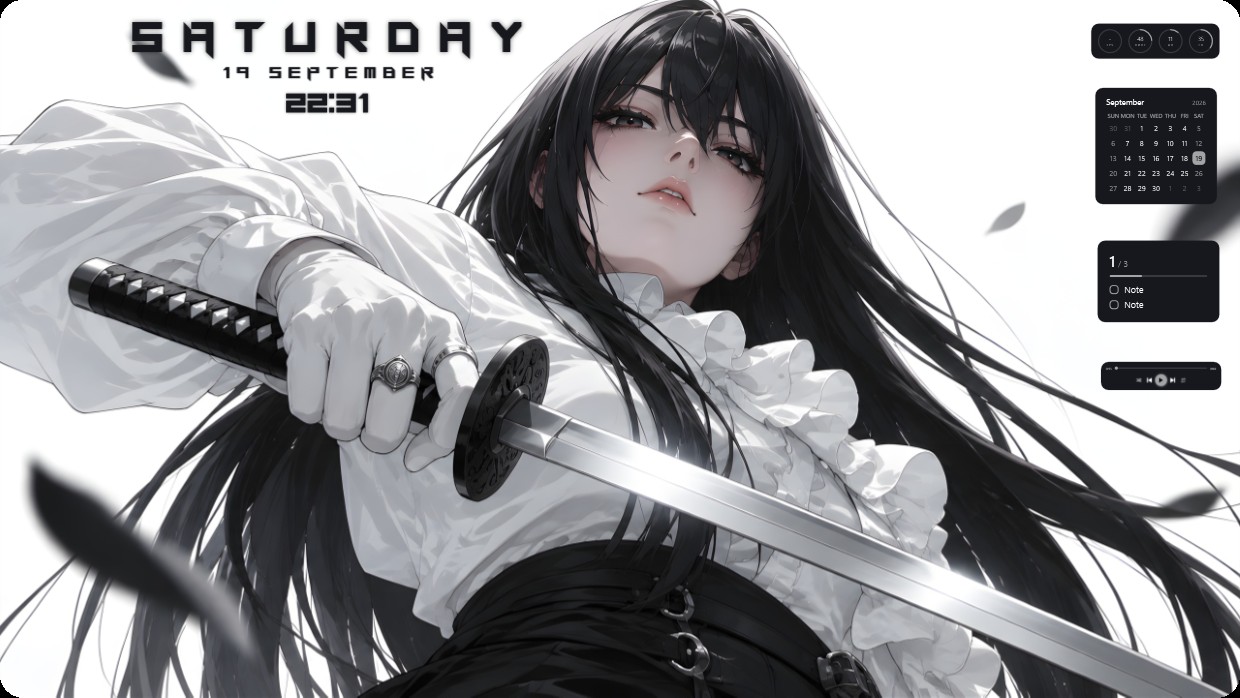
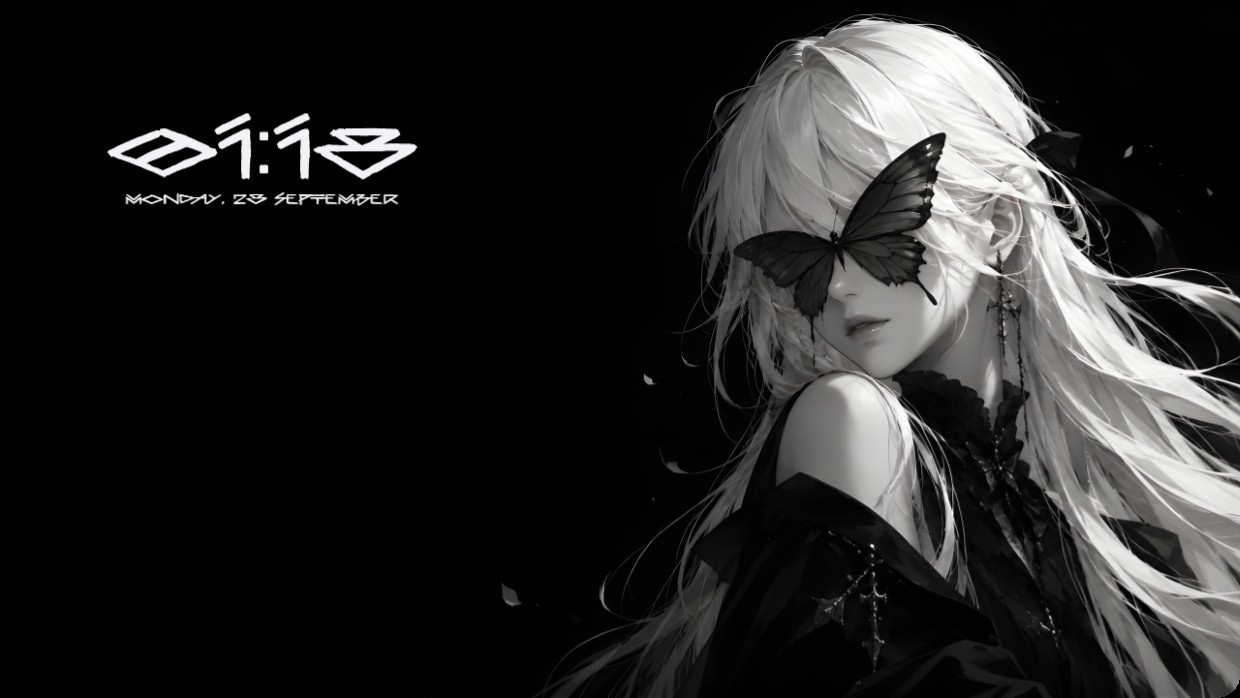
A character with long white hair has a black butterfly resting on her face. The background is solid black. White text shows the time and date in the top left corner. The font is stylized, thin, and light. The lighting is soft and focused on the subject. The mood is quiet and mysterious. Widgets are minimal and blend into the dark background. This setup uses a 2K wallpaper inside Vealo with effects and lighting from the Steam Workshop. Fans of minimalist black and white aesthetics will like it.
このセットアップの入れ方
- Steam から Vealo をインストールします。無料版で十分です。
- このページで「Steam でサブスクライブ」を押すか、Vealo 内の「ワークショップ」タブでこのセットアップを見つけます。
- Vealo を開き、スタジオ、「ワークショップ」タブ、「マイセットアップ」と進んで「適用」を押します。壁紙、テーマ、ウィジェット、カーソル、ライティングがワンクリックで切り替わります。アイコンのサイズは自分の設定のままです。