18+
Black Anime Butterfly
 作者:Vealo
3
2
0
作者:Vealo
3
2
0
在 Vealo 或 Steam 中找不到这个方案?在设置中允许成人内容之前,Steam 会隐藏 18+ 内容。 打开 Steam 设置
包含内容
小组件布局2K单色时钟特效灯效
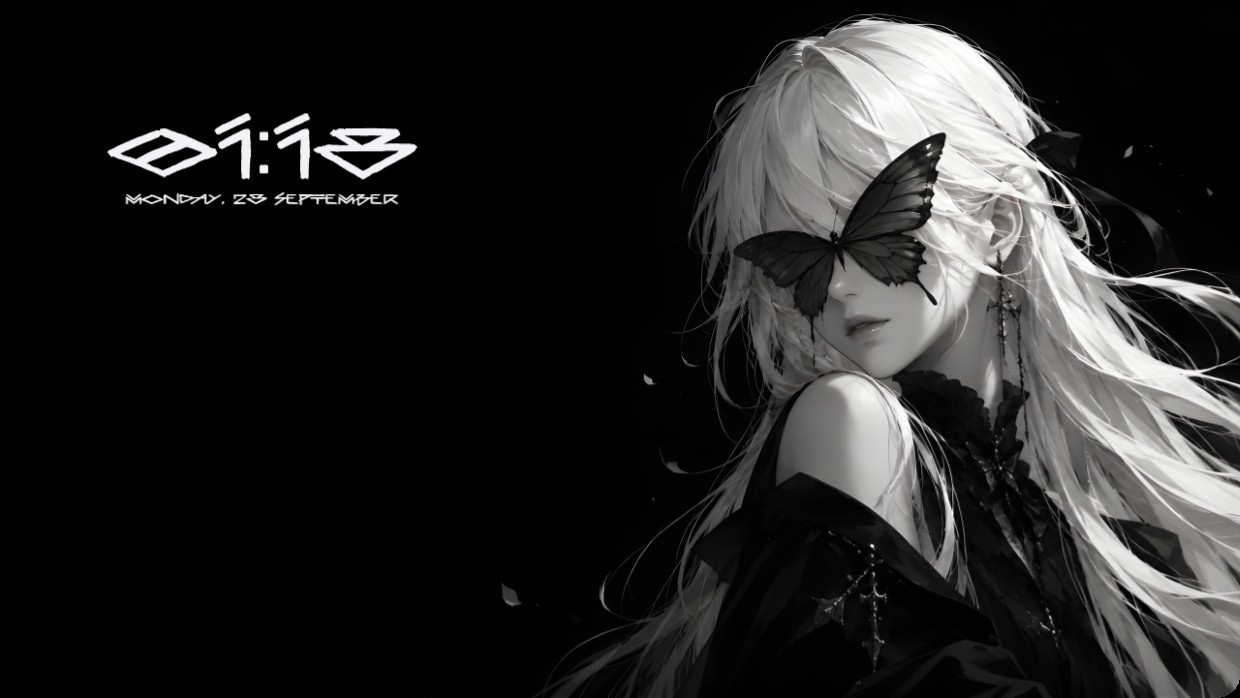
A character with long white hair has a black butterfly resting on her face. The background is solid black. White text shows the time and date in the top left corner. The font is stylized, thin, and light. The lighting is soft and focused on the subject. The mood is quiet and mysterious. Widgets are minimal and blend into the dark background. This setup uses a 2K wallpaper inside Vealo with effects and lighting from the Steam Workshop. Fans of minimalist black and white aesthetics will like it.
如何安装这个方案
- 从 Steam 安装 Vealo,免费版即可。
- 在本页点击“在 Steam 订阅”,或在 Vealo 内的“创意工坊”标签页中找到该方案。
- 打开 Vealo,进入工作室,“创意工坊”标签页,“我的方案”,点击“应用”。壁纸、主题、小组件、光标和灯光一键切换。图标大小保持你自己的设置。