whatever
 de _YuveliR_
Não encontra este setup no Vealo ou no Steam? O Steam oculta os 18+ até que o conteúdo adulto seja permitido nas configurações. Abrir configurações do Steam
O que contém
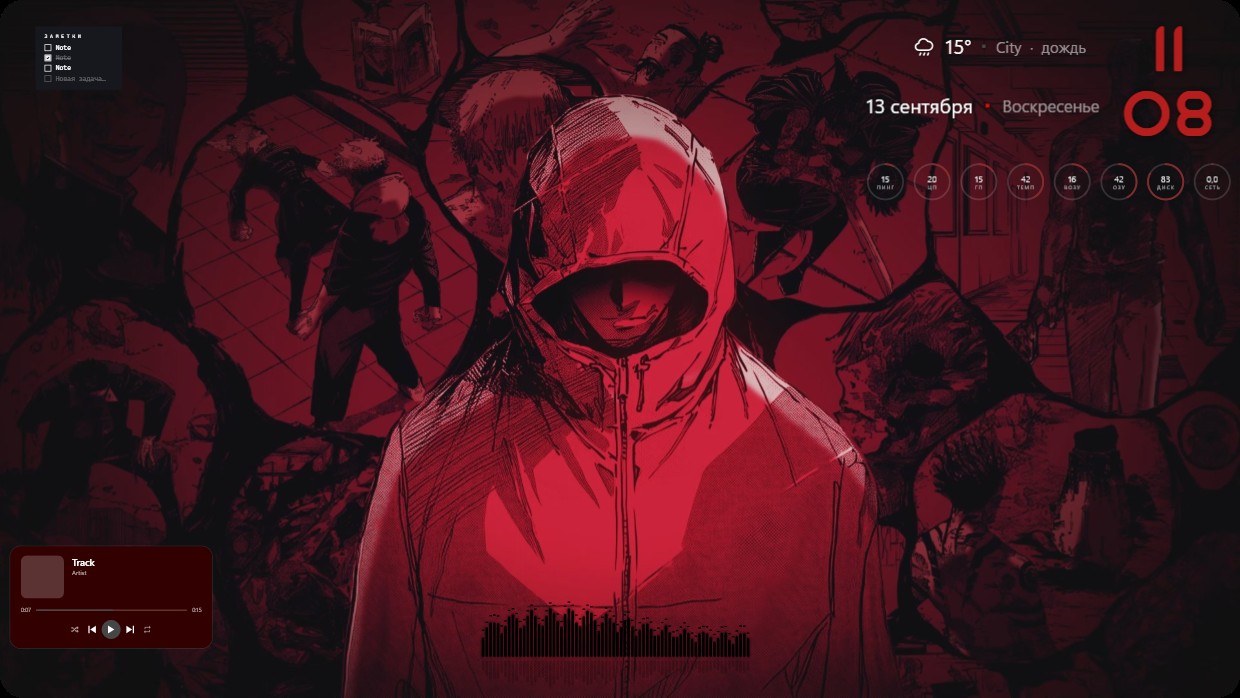
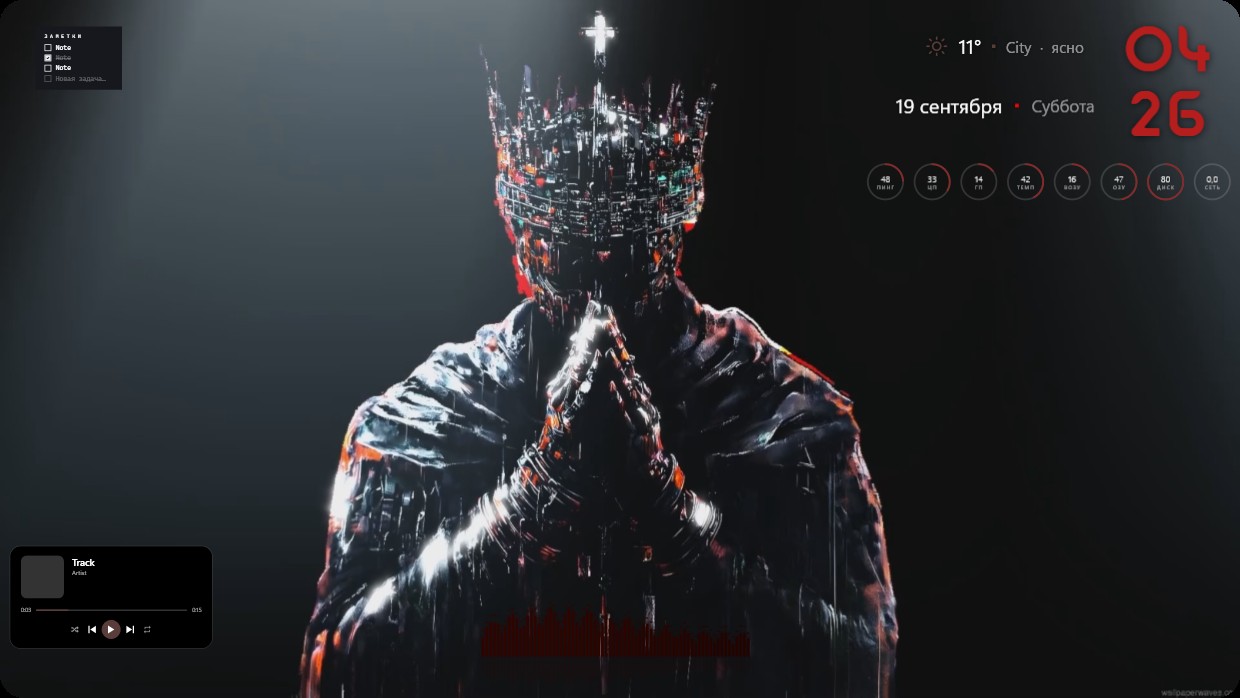
The wallpaper shows a person in a hooded jacket standing among fragmented comic-style illustrations. The scene is dominated by deep reds, dark tones, and subtle highlights. It feels intense and moody. Widgets include a clock in the top right, weather and date above it, system meters below, and a music player at the bottom left. All widgets use thin white fonts with low transparency to blend into the background. This is a full desktop setup with live wallpaper in Full HD. Fans of dark anime aesthetics will like this.
Como instalar este setup
- Instale o Vealo pela Steam. A versão gratuita basta.
- Clique em «Inscrever-se no Steam» nesta página ou encontre o setup na aba «Workshop» dentro do Vealo.
- Abra o Vealo, entre no Estúdio, aba «Workshop», «Meus setups», e clique em «Aplicar». Papel de parede, tema, widgets, cursor e iluminação mudam em um clique. O tamanho dos seus ícones continua como você definiu.
Setups parecidos
Todos os setups
Sua área de trabalho em um clique
Grátis na Steam. Aplique um setup ou monte o seu, Pro só quando quiser o resto.
Windows 10 / 11