
18+
A Nearby Black Hole
 by Vealo
Can't find this setup in Vealo or Steam? Steam hides 18+ until adult content is allowed in your settings. Open Steam settings
What is inside
Widget layout2KOrangeClockEffectsLightingSound
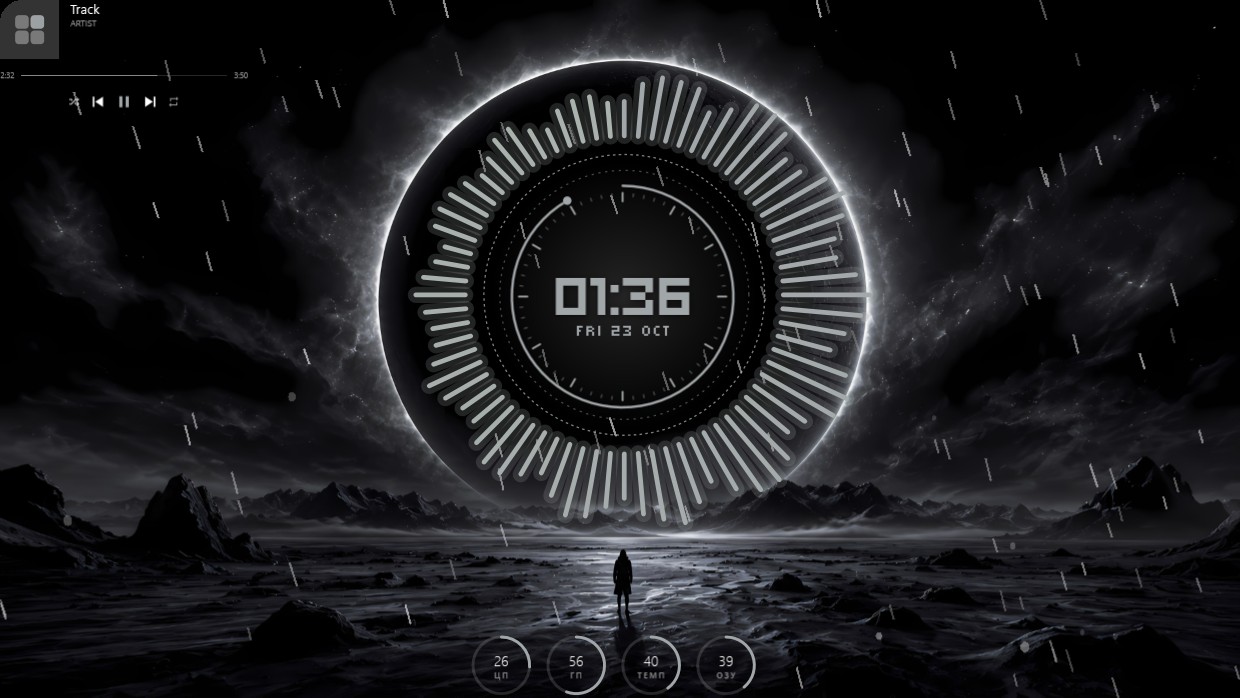
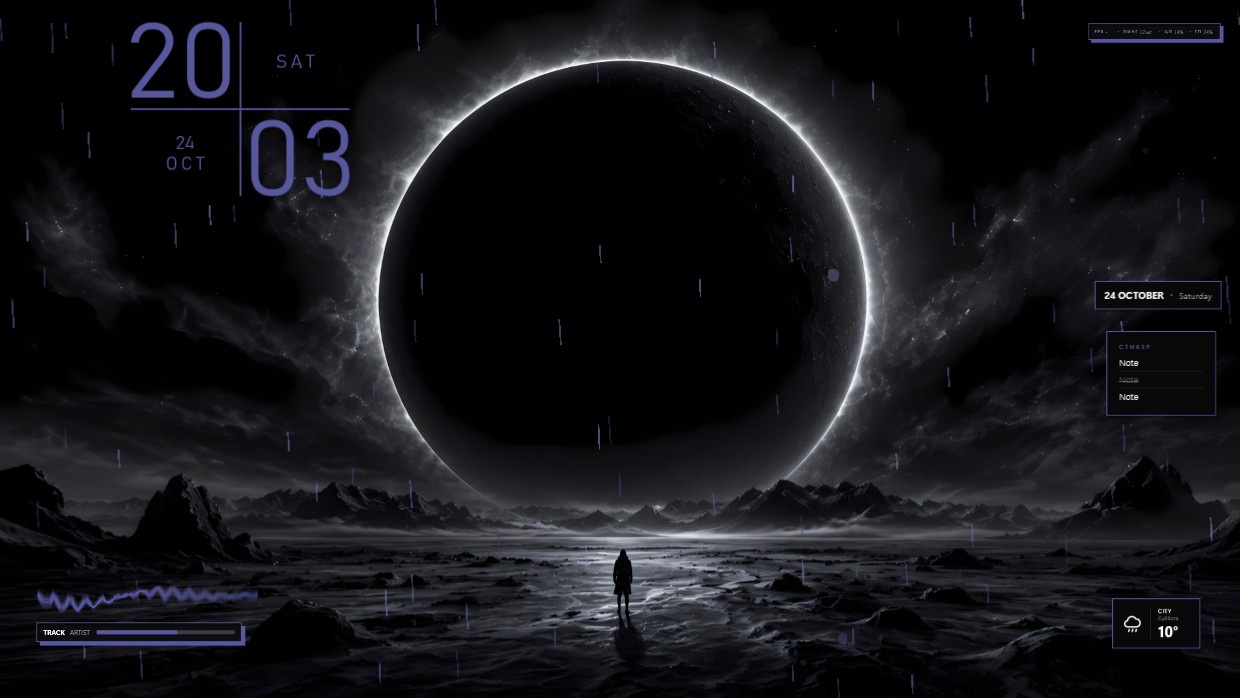
The wallpaper shows a black hole surrounded by glowing orange accretion disc viewed from space above a planet. The scene is dark with dominant warm orange and black tones. The mood feels cosmic and mysterious. A clock and date widget sit in the top left corner using bold orange text on a transparent background. This setup includes 2K resolution and features lighting effects inside Vealo. People who like celestial themes will appreciate this.
How to install this setup
- Install Vealo from Steam. The free version is enough.
- Press Subscribe in Steam on this page, or find this setup in the Workshop tab inside Vealo.
- Open Vealo, go to Studio, then Workshop, then My setups, and press Apply. Wallpaper, theme, widgets, cursor and lighting change in one click. Your icon size stays as you set it.
Similar setups
All setups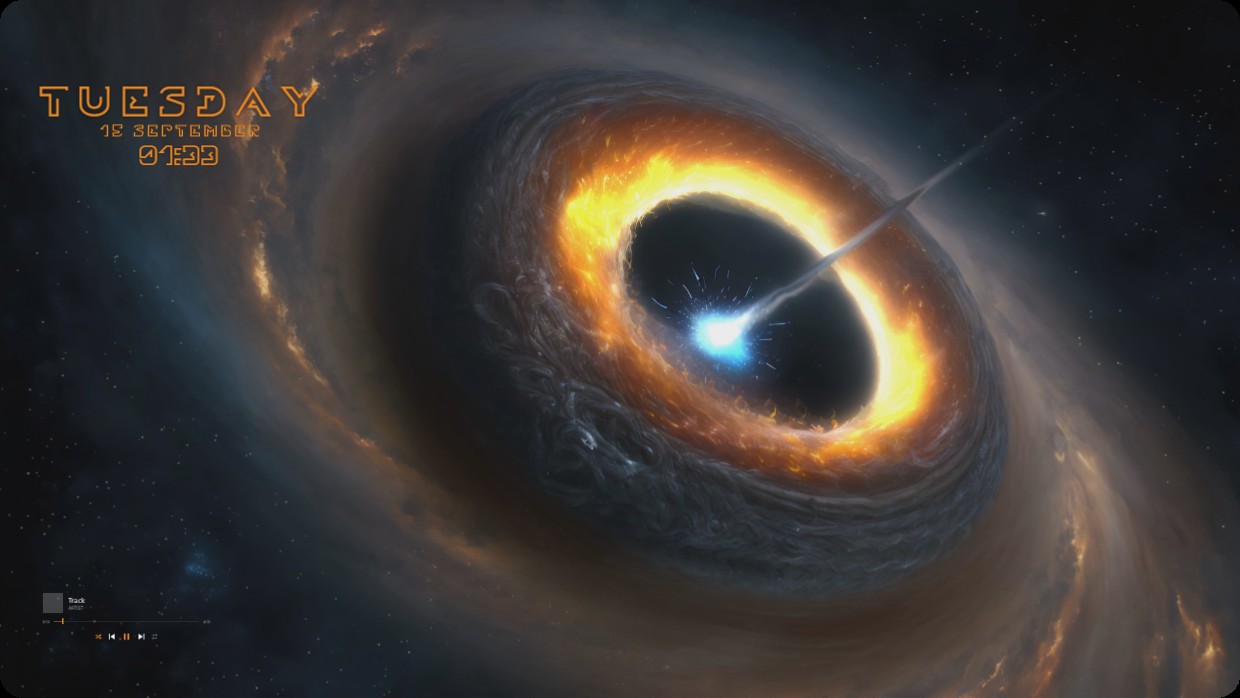
Your desktop, one click
Free on Steam. Pick a setup or build your own, Pro only when you want the rest.
Windows 10 / 11