18+
Minecraft Steve
 Vealo द्वारा
3
1
0
Vealo द्वारा
3
1
0
यह सेटअप Vealo या Steam में नहीं दिख रहा? जब तक सेटिंग्स में वयस्क कंटेंट की अनुमति न हो, Steam 18+ छिपाता है। Steam सेटिंग्स खोलें
अंदर क्या है
विजेट लेआउट2Kहराघड़ीप्लेयरकैलेंडरनोट्सविज़ुअलाइज़रइफ़ेक्ट्सलाइटिंग
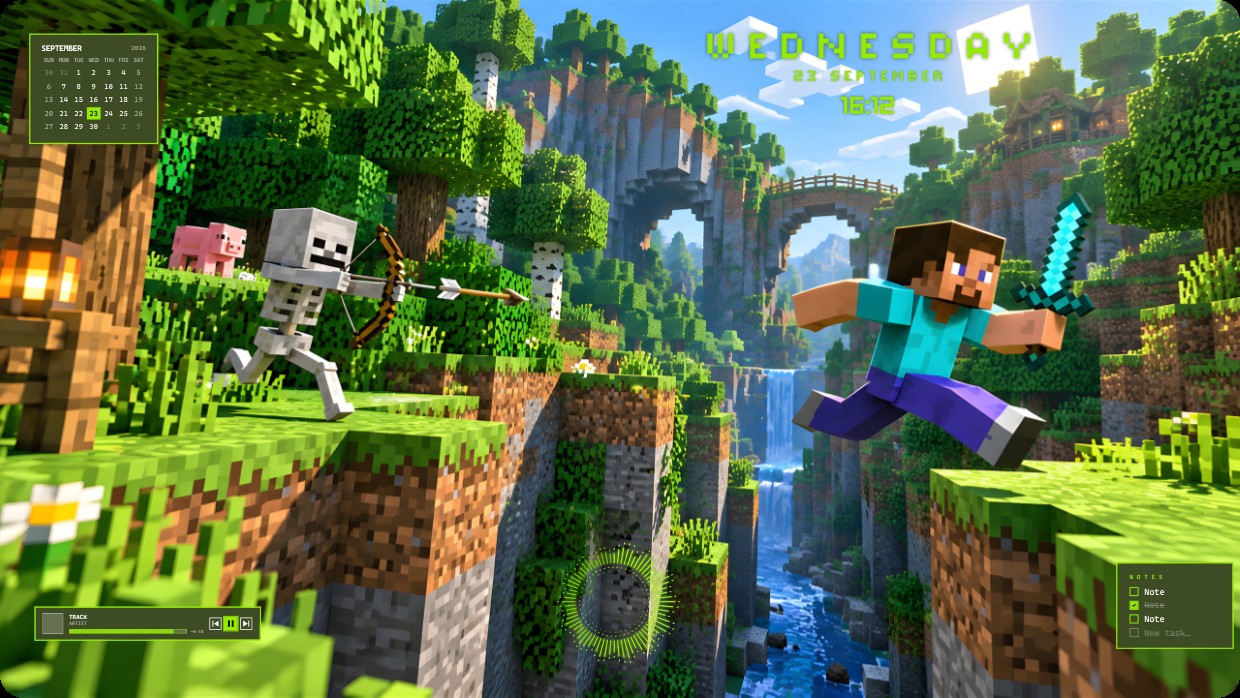
The wallpaper shows a Minecraft scene with Steve leaping across a canyon while a skeleton aims an arrow nearby. The main colours are bright green, blue sky, and earthy browns under warm sunlight. The mood is adventurous and lively. Widgets include a calendar in the top left, time and day at the top right, a player bar at bottom left, and notes at bottom right. All widgets use small white or light green text on semi-transparent dark panels. This setup uses 2K resolution and includes lighting effects. Minecraft fans will like it.
यह सेटअप कैसे इंस्टॉल करें
- Steam से Vealo इंस्टॉल करें। मुफ़्त वर्ज़न काफ़ी है।
- इस पेज पर «Steam में सब्सक्राइब करें» दबाएँ, या Vealo के अंदर «Workshop» टैब में यह सेटअप ढूँढें।
- Vealo खोलें, Studio में जाएँ, «Workshop» टैब, «मेरे सेटअप», और «लागू करें» दबाएँ। वॉलपेपर, थीम, विजेट, कर्सर और लाइटिंग एक क्लिक में बदल जाते हैं। आइकन का साइज़ आपका ही रहता है।
मिलते-जुलते सेटअप
सभी सेटअप



एक क्लिक में साफ़ डेस्कटॉप
कुछ भी खरीदने से पहले अपने कंप्यूटर पर आज़माएँ।
Windows 10 / 11