18+
Учиха
 作者:_Yuvelir_
10
3
0
作者:_Yuvelir_
10
3
0
在 Vealo 或 Steam 中找不到这个方案?在设置中允许成人内容之前,Steam 会隐藏 18+ 内容。 打开 Steam 设置
包含内容
完整桌面动态壁纸4K红色时钟播放器系统日历天气便签可视化特效灯效
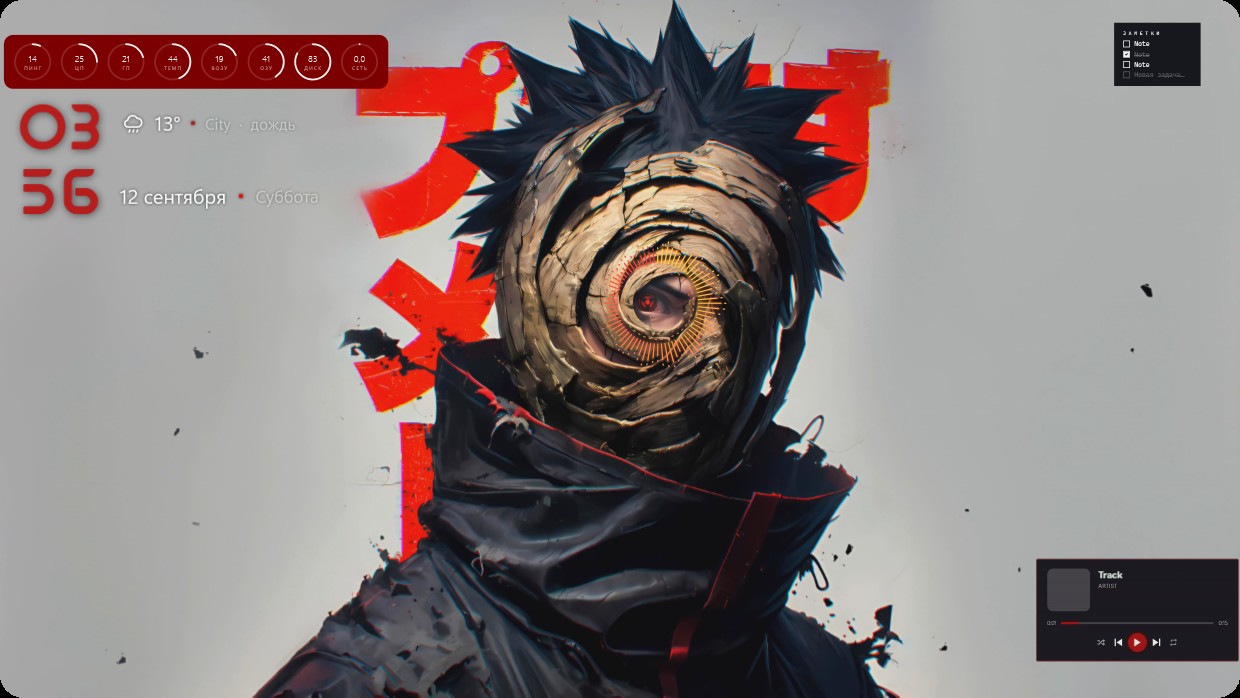
The wallpaper shows a character with spiky black hair wearing dark clothing and a spiral eye. The main colours are red, black and grey. The scene is bright with warm lighting. Widgets include a clock in large red numbers on the left, system meters above it, weather and calendar details below, and a player bar at the bottom right. All widgets have semi-transparent red text or backgrounds that blend into the image. This is a full desktop setup with live wallpaper and 4K resolution from Vealo’s Steam Workshop. Fans of anime aesthetics will like this.
如何安装这个方案
- 从 Steam 安装 Vealo,免费版即可。
- 在本页点击“在 Steam 订阅”,或在 Vealo 内的“创意工坊”标签页中找到该方案。
- 打开 Vealo,进入工作室,“创意工坊”标签页,“我的方案”,点击“应用”。壁纸、主题、小组件、光标和灯光一键切换。图标大小保持你自己的设置。

 Vealo
Vealo