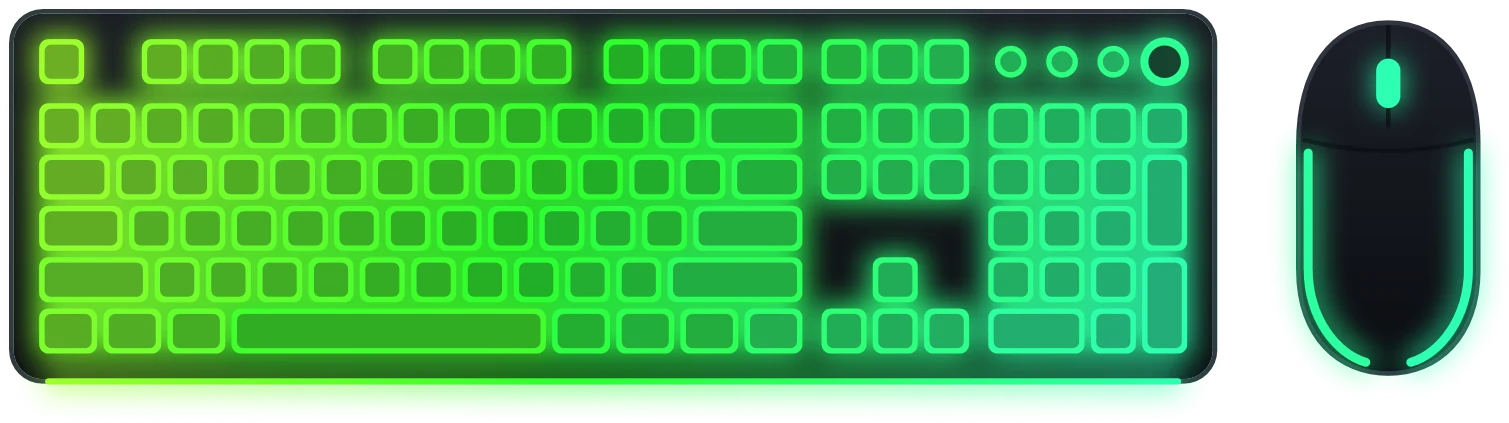
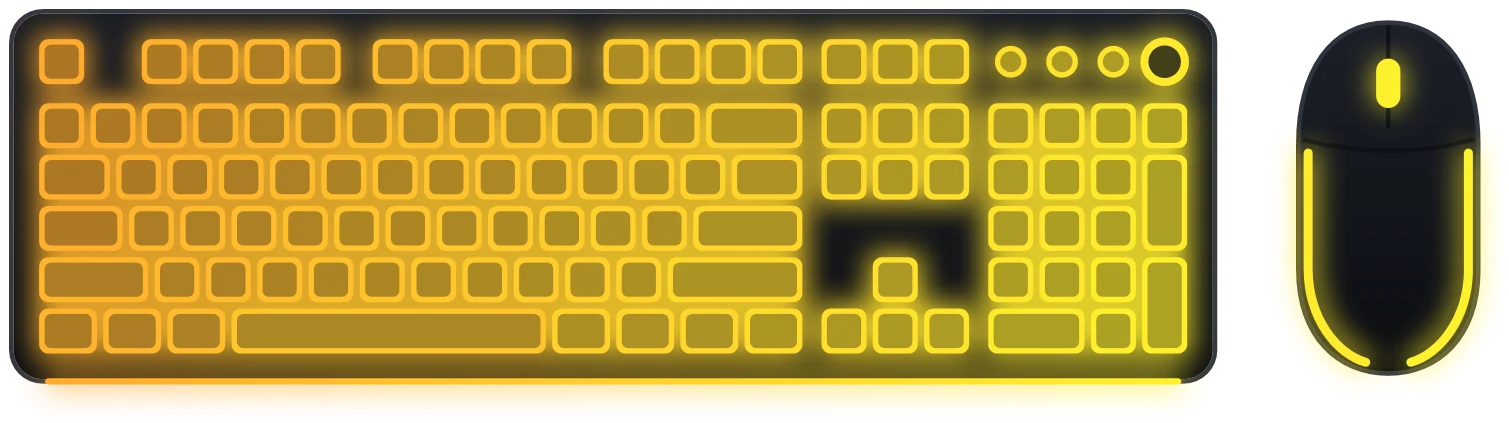
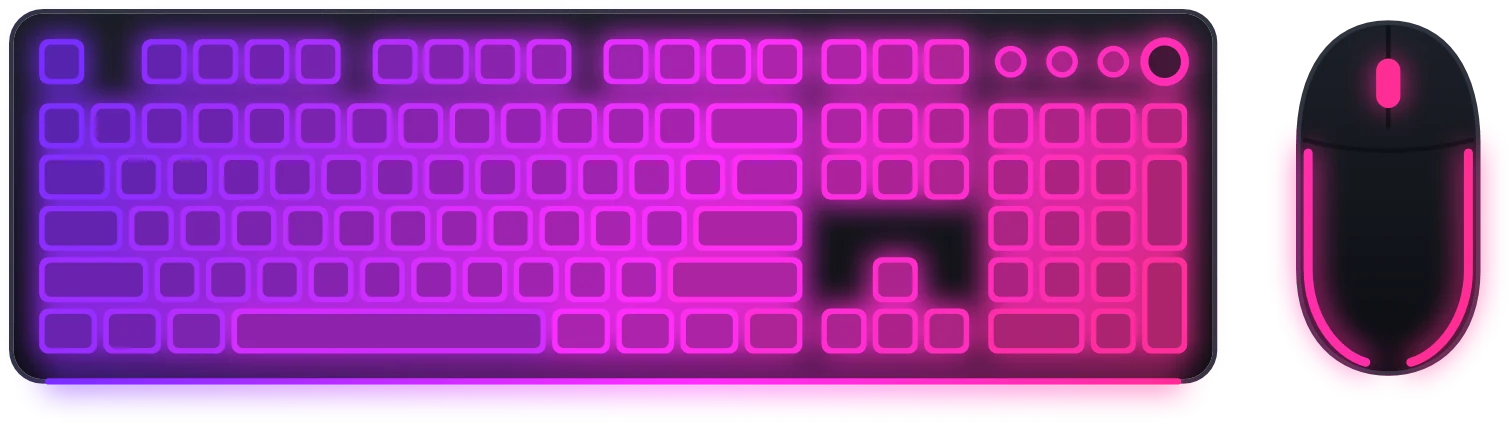
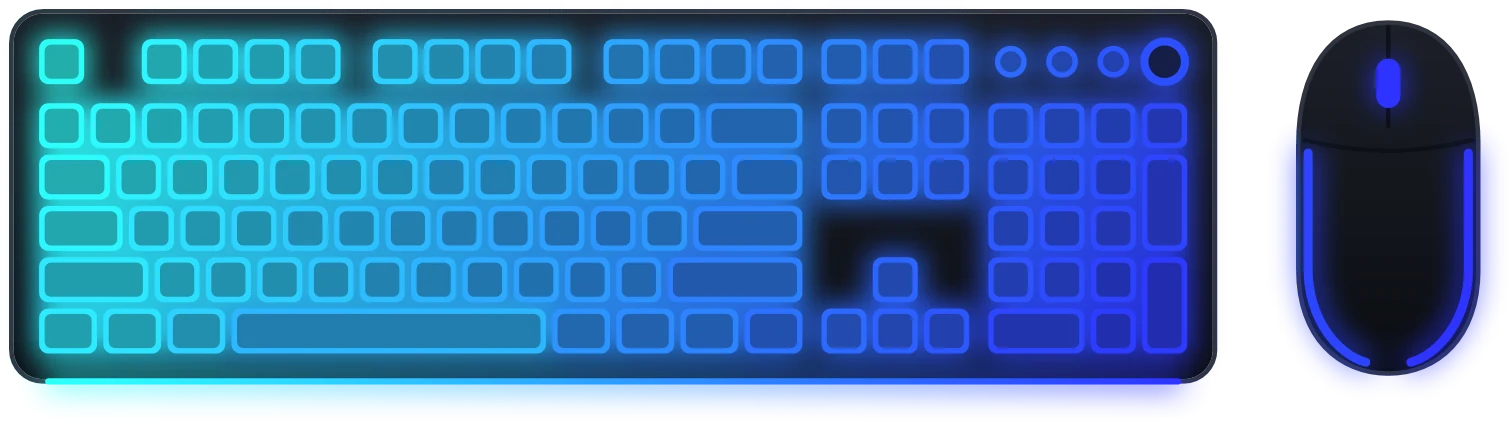
Another brand
ASUS, MSI, Gigabyte, RAM, coolers and more than 1,900 other devices connect the same way, through the free OpenRGB. You can check your device and read the general setup in the guide All your RGB in one place.
Questions
Do I need a separate app for each brand?
No. Razer connects through Synapse, and every other brand through a single OpenRGB. All devices are lit from one Vealo tab with one effect.
Can I mix brands?
Yes. A keyboard from one brand, a mouse from another and the motherboard lighting all work together, as long as they show up in OpenRGB or Synapse.
What else can Vealo do?
Quite a lot. It hides the desktop icons and opens everything from a panel, sets wallpapers and video wallpapers, adds widgets (clock, weather, calendar, notes, system load, player), desktop effects, lighting in the theme colour, cursors, and ready-made looks from the Steam Workshop. The full list is on the features page.
Your desktop, one click
Free on Steam. Pick a setup or build your own, Pro only when you want the rest.
Free€0 · Forever
- Hide, summon and search
- All ready-made themes, Mono and Glass
- Taskbar colour, light and dark system
- All 128 wallpapers and video wallpapers
- 6 widgets: clock, player, calendar, weather, system, notes
- Rain effect, 2 cursors and the Roulette
- Lighting: static and breathing
- 2 sections and 2 profiles
Pro€2.99 · One-time purchase
- Everything in Free
- Theme from your wallpaper and custom colours
- All effects, parallax and the sound visualizer
- All cursors plus your own, all widget styles
- All lighting effects
- Glass transparency and neon
- Unlimited sections and profiles
- Wallpaper on the lock screen